
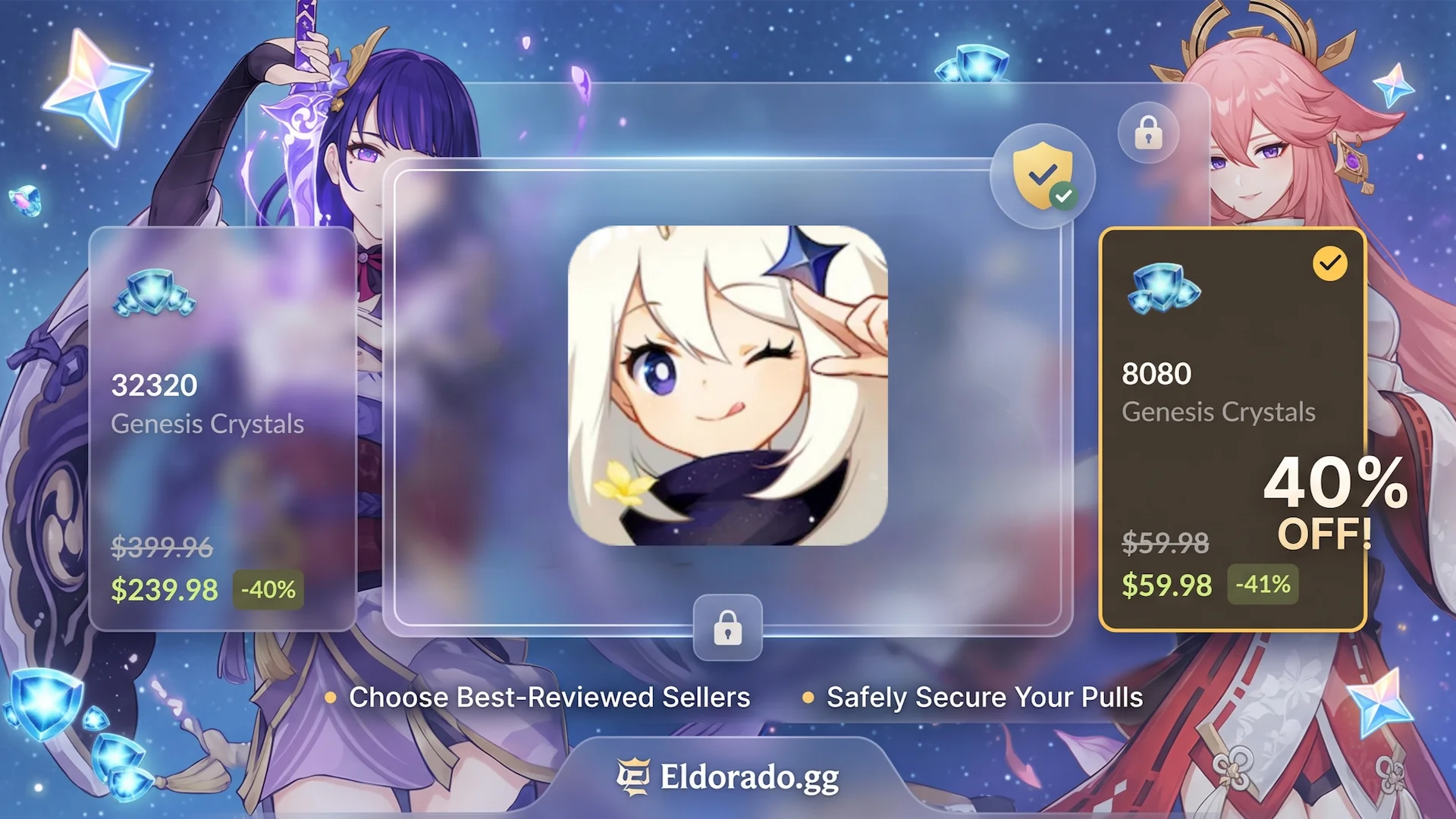
Saving up for the next highly anticipated 5-star character or weapon banner in Genshin Impact can get expensive quickly. If you are buying your Genesis Crystals strictly through the in-game shop, you are paying top dollar.
Fortunately, you don’t have to pay full price to secure your pulls. It is entirely possible to score up to a 40% discount on Genshin Impact top-ups if you know where to look. The catch? You have to do it safely to protect your hard-earned Primogems and avoid account penalties.
This guide breaks down exactly how to secure massive top-up discounts without putting your HoYoverse account at risk.
The Danger of Untrusted Top-Up Sites
Before diving into the discounts, let’s talk about account security. The internet is flooded with sketchy, fly-by-night websites promising impossibly cheap Genesis Crystals.
Using unauthorized third-party vendors often leads to two major disasters:
- Negative Primogems: Shady sellers frequently use stolen credit cards or exploit regional payment loopholes that result in chargebacks. When HoYoverse detects a chargeback, they deduct the corresponding Primogems from your account. If your balance drops below zero, your account faces a permanent ban unless you pay back the deficit.
- Phishing & Account Theft: Malicious sites are designed solely to steal your login credentials.
To stay completely safe, you need a trusted, heavily moderated marketplace that bridges the gap between verified sellers and players.
How to Save 40% Safely with Eldorado.gg
If you want to maximize your budget safely, utilizing a massive gaming marketplace like Eldorado is the most reliable method. By connecting global sellers who leverage regional pricing differences, the platform frequently hosts deals where you can score a Genshin Impact Top-Up for up to 40% less than standard retail prices.

Because it operates as a competitive player-to-player marketplace, sellers are constantly undercutting each other’s prices to win your business—resulting in direct savings for you.
Step-by-Step Secure Buying Strategy
To ensure your transaction goes smoothly and your account stays 100% secure, follow these essential steps:
1. Filter by Top-Rated Sellers:
Crucial first step.
When browsing the available deals, do not just click on the absolute cheapest price blindly. Look closely at the seller’s profile metrics. Always choose a high-rated and most-reviewed seller. A vendor with thousands of successful orders and a 99%+ positive feedback rating guarantees that they source their Crystals legitimately.
2. Provide Account Details Securely:
Transaction processing.
Select your desired Genesis Crystal package (such as the premium 6,480 pack) and follow the secure checkout instructions. Depending on the delivery method, you will provide the required information to let the trusted seller fulfill the pack.
3. Verify Your Crystals In-Game:
Delivery check.
Log into Genshin Impact and verify that your Genesis Crystals or Blessing of the Welkin Moon have arrived safely in your inventory.
4. Change Your Password Immediately:
Extra shield protection.
Once the delivery is marked as complete and verified, navigate straight to the official HoYoverse Account Management page and change your account password. This acts as an extra shield of security, ensuring you retain total control over your account.
Summary Comparison: In-Game vs. Marketplace Top-Ups
| Feature | In-Game Shop | Trusted Marketplaces (Eldorado) |
| Average Pricing | Baseline retail price | Up to 40% off retail value |
| Price Competition | Fixed; no discounts | Dynamic; multiple sellers competing |
| Regional Pricing Access | Locked to your local app store | Global variations available via sellers |
| Security Risk | 0% | Extremely low (when choosing top-reviewed sellers & changing passwords) |
By changing your password immediately after a successful delivery and strictly sticking to vendors boasting pristine feedback histories, you get the absolute best of both worlds: maximum savings to secure your next C6 character, and total peace of mind.

Leave a Reply
You must be logged in to post a comment.